

Power BI reporting gives marketing, sales and finance teams a way to explore current, connected data instead of waiting for another fixed export. Replace recurring PDFs, CSV files or emailed decks when they slow decisions, hide useful detail or leave teams working from conflicting numbers.
Key Takeaways
- Move beyond recurring exports when decisions depend on manual hand-offs or readers repeatedly request different views of the same data.
- Agree the decision, audience and KPI definition before building a Power BI report. Clear measures matter more than a crowded page of visuals.
- Prepare data in Power Query, then build a semantic model with clear relationships and shared DAX measures.
- Choose Import, DirectQuery or a live connection to match the required freshness, source capacity and modelling needs.
- Use reports for detailed, interactive analysis and dashboards for a single-page view of pinned tiles in Power BI Service.
- Manage refresh, workspace permissions, row-level security and distribution as part of the reporting design, not as last-minute setup.
- Replace exports in stages. Reconcile the new report against the familiar version before retiring a process people rely on.
When recurring exports stop supporting decisions
Recurring exports stop supporting decisions when people have to wait for someone to prepare and send them before they can act. Each manual hand-off can add delay, even when the underlying data is already available.
Repeated requests for new date ranges, segments or market views are another clear signal. Readers are asking to explore the data, while a fixed export gives them only the cut someone prepared in advance.
Conflicting figures across emailed decks and CSV files point to a different issue: teams need shared KPI definitions and clear data ownership. A new reporting tool will not settle a disagreement about what a metric means.
Static snapshots still have a useful role when you need a fixed record for a meeting, approval or archive. But a PDF or emailed spreadsheet cannot provide the current, interactive analysis that helps someone follow a new question.
Power BI reporting is a strong fit when people need to filter, compare and investigate data as decisions unfold. Keep exports where a record is the point; replace the recurring report when a frozen view is getting in the way of action.
Start with decisions, audiences and KPI definitions
Start with the decisions the report should support, then name the people responsible for each one. This keeps the scope focused on action instead of turning the report into a catalogue of every metric available.
For each KPI, document its calculation, time period, exclusions and owner. A shared visual cannot resolve a disagreement about whether, for example, a conversion rate uses leads created or leads qualified.
Match the report’s detail to its audience. Executives often need a small set of trends and exceptions, while operational users may need to investigate results by campaign, product, customer or market.
Record how fresh the data needs to be for each decision. A daily review may work with scheduled refresh, while a decision that depends on more immediate activity needs a connection approach designed for that requirement.
For teams working across European markets, agree how reporting periods, currencies and market categories should be interpreted. Consistent definitions make comparisons meaningful and help people trust what they see.

Build a reliable foundation for the report
Connect to your sources with the appropriate data connector, then prepare the data before choosing visuals. Power Query lets you clean and shape it by resolving data types, duplicates, missing values and inconsistent categories, so a polished visual does not disguise source-quality issues.
A semantic model gives report pages a shared, structured foundation. Organise it around fact tables for events or transactions and dimension tables for attributes such as date, product and market; clear relationships make measures easier to interpret.
Use explicit DAX measures for calculations that should stay consistent across reports. Test relationship behaviour carefully when tables hold data at different levels of detail, because mismatched granularity can produce ambiguous totals or inconsistent KPI results.
Choose Import, DirectQuery or a live connection based on freshness, source capacity and modelling needs. Import stores data in the model and relies on refresh, while DirectQuery queries the source as users interact with the report.
A dedicated analytics database can provide a dependable reporting layer apart from production systems. The Analytics database design project describes a setup with daily snapshots, pre-aggregated history by customer, business and domain, and data from the app, CRM, web traffic and ad auctions.
For scheduled refresh, configure credentials and any required data gateway, then test the entire refresh path. Publishing a report does not by itself ensure that its data will update; assign responsibility for the connection and verify that the refresh completes as expected.
Design interactive reports around questions
A Power BI report is a multi-page, interactive experience where readers can explore related views with filters and drill-downs. A Power BI dashboard is a single-page collection of pinned tiles in Power BI Service, so it serves a different purpose from a detailed report.
Choose each visualization to answer a specific question. Line charts show change over time, bar charts compare categories, and cards highlight a small number of headline measures.
Add slicers and filters that give readers useful ways to investigate, such as selecting a reporting period or market. Keep each page focused: too many visuals and controls make the main finding harder to see.
Check performance by reducing unnecessary visual complexity and model weight. Check accessibility with readable contrast, clear labels, keyboard navigation and screen-reader support.
Use Power BI Desktop when you need its full modelling and report-building tools, then publish to Power BI Service for shared access and managed distribution. Save the report in Desktop as part of your working process, and use the Service to manage the published version.
Our Custom Power BI service builds clean database views and tables, models data and designs dashboards around client decisions. That approach suits teams who need the database work and report design to support the same practical questions.
Copilot can help draft visuals, report pages or summaries from a well-structured semantic model. Treat its output as a starting point: check the filters, calculations and wording against the underlying data before sharing it.

Refresh, secure and distribute reports deliberately
Publishing a report does not automatically make it current or available to the right people. Assign workspace access according to job responsibilities, use least-privilege permissions and test with representative accounts rather than relying on the report creator’s view.
Use row-level security when different users should see different rows, such as records for their own market or customer group. Test it as a viewer: users with edit-level workspace roles are not constrained in the same way.
Distribute a curated Power BI app to its intended audience. Subscriptions can send a scheduled email reminder or snapshot when that suits the workflow, but recipients still need appropriate access to the content.
For customer-specific or market-specific distribution, define the intended recipients and filtering rules before sending reports. Power BI, PostgreSQL and ClickHouse power our Automated per-customer reporting project, which filters reports for each customer and sends them to the right people by market, while skipping opted-out contacts.
Assign an owner for credentials, refresh settings, gateway responsibility where needed and failure monitoring. Make the last successful update visible to users so they can judge whether the displayed data is current enough for their decision.
If you embed a report in an internal portal, manage authentication and access to the content as carefully as you do in Power BI Service. A public link is not an appropriate shortcut for sensitive business reporting.
Migrate from exports in controlled stages
Begin with an inventory of recurring exports, their audiences, decisions, owners and source data. Use it to prioritise reports by decision value and the manual effort they require, rather than trying to rebuild everything at once.
Choose one useful pilot and define its KPIs, audience and access rules. Build the data model and report around that scope so the first release answers a real question without collecting unrelated metrics.
Run the new report alongside the existing export for a review period. Reconcile totals, filters, time periods and edge cases before changing an established process; this gives people a clear way to understand differences and trust the new view.
Collect feedback from actual users, then correct confusing interactions and validate permissions and refresh behaviour. Expand to more teams or markets after the pilot works in everyday use.
A governed, pre-aggregated data model underpinned our Reporting migration to Power BI project, where company, customer and partner reporting moved onto Power BI on top of a new analytics database. The case shows how a structured data foundation can support a controlled move from one reporting setup to another.
Retire an export only when its users can complete the relevant task with the new report and understand any record-keeping process that remains.
Review and maintain reports after publication
Assign an owner for every report and semantic model, and schedule reviews of usage, refresh failures, permissions and whether the report still supports its original decisions. A report that once helped the team may need changes as priorities and definitions evolve.
After material data or model changes, validate source data and key totals. Test report changes in a controlled workflow before releasing them to the wider audience, so a small edit does not create a surprise across several teams.
Document KPI definitions, data sources, refresh expectations and access rules. Clear documentation helps a new maintainer understand how the report works without relying on undocumented knowledge held by one person.
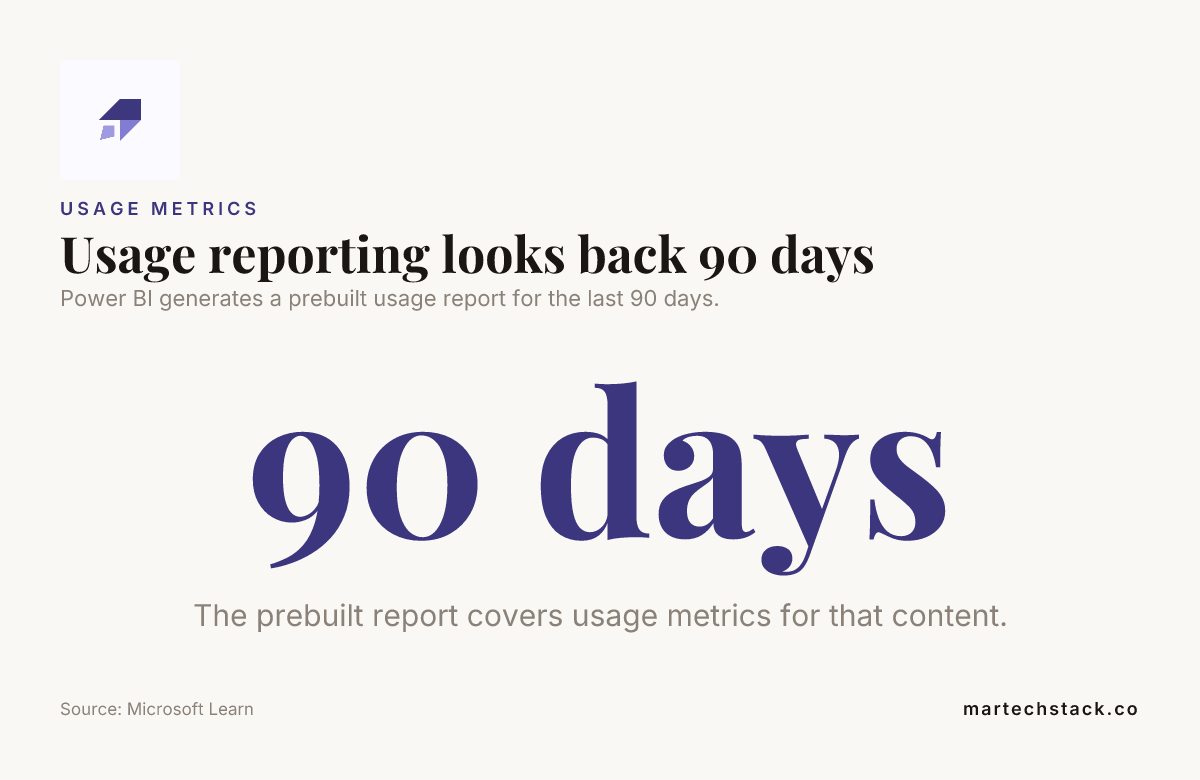
Power BI provides a prebuilt usage report for content covering the last 90 days. The Microsoft Learn guidance on usage metrics explains how to access it.
Copilot-generated visuals and summaries also need review after publication. Verify their filters, calculations and wording against the underlying data before sharing them with colleagues or customers.

Frequently Asked Questions
Is Power BI hard to learn for someone new to reporting?
Power BI is approachable when you start with a clear question and a small dataset, but learning the model and DAX takes practice. Familiarity with spreadsheets or data concepts can make the first steps easier.
Is Power BI outdated?
No. Power BI remains a business intelligence platform for connecting, modelling and exploring data, with reports shared through Power BI Service. Whether it fits your organisation depends on your data environment, governance needs and reporting workflow.
Can a PDF export of a Power BI report still be interactive?
A PDF is a fixed export, so its Power BI slicers and report filters do not keep working as interactive controls. Links included in a report may remain clickable, but they do not turn the PDF into a live report.
How can teams keep a fixed reporting snapshot for audit or record-keeping while moving to interactive reports?
Keep an approved export with its reporting period, generation date and KPI definition recorded alongside it. Store it in the established records location, and use the interactive report for ongoing analysis.
Can external clients receive a Power BI report?
Yes, teams can provide external access through an approved guest-access arrangement or a secure embedded experience, depending on their environment and licensing. Set up a distinct audience and validate identity and filtering before sharing customer data.
Can people use Power BI reports on a phone?
Yes, Power BI reports can be viewed on mobile devices through Power BI’s mobile experience. A dedicated phone layout can make important charts and controls easier to use on a smaller screen.
Conclusion
Replace static exports when fixed views and manual hand-offs prevent your teams from making timely, confident decisions. Strong Power BI reporting starts with agreed KPIs, prepared data and a well-structured model, then adds focused interaction, reliable refresh and deliberate access.
Move one report at a time, compare the new view with the existing process and listen to the people who use it. Give every report and model a named owner, and the move away from exports stays manageable.

Founder of MarTech Stack. SEO, analytics and marketing automation.
LinkedIn