
Google Consent Mode is the piece of infrastructure standing between clean conversion data and a compliance mess you don’t want to explain to your CFO. Here’s the number that should worry you: 48% of the 250 most-visited websites misconfigure Consent Mode, quietly sending personal data to Google Ads even when a visitor clicks “reject all.”
We work with martech owners and analytics leads every day, and we’ll say it plainly: this isn’t a niche technical footnote anymore. It’s the difference between a reporting dashboard you can trust and one that’s lying to you.

Key Takeaways
- What is Google Consent Mode? It’s Google’s framework for adjusting how tags like Google Ads and GA4 behave based on a visitor’s consent choice, without breaking your tag deployment entirely.
- Basic vs Advanced: Basic mode blocks tags until consent is granted. Advanced mode still sends anonymous, cookieless pings, which is what powers conversion modelling.
- Four signals matter:
ad_storage,analytics_storage,ad_user_data, andad_personalizationeach control a different data flow, and they need to be configured independently. - Modelling recovers what consent takes away. Google uses aggregated, statistical modelling to estimate conversions lost to denied consent, rather than leaving that data blank.
- Implementation runs through Google Tag Manager and a Consent Management Platform (CMP) working together, not either one alone.
- Validation isn’t optional. You need to check consent states in real time, not assume your CMP and GTM are talking to each other correctly.
- For a broader look at how consent data ties into your technical foundation, our 2026 Technical SEO & Data Integrity Audit Checklist walks through the adjacent pieces worth auditing at the same time.
What Google Consent Mode Actually Does
Google Consent Mode isn’t a consent banner. It’s a signalling layer that sits between your CMP and Google’s tags, telling Google Ads, GA4, and Floodlight how to behave based on the consent status of the person on your site.
When someone denies consent, Consent Mode doesn’t just switch tags off. It changes how those tags fire, what they’re allowed to collect, and whether Google fills in the resulting data gap with a modelled estimate.
That last part is the whole point. Without it, you’re left with conversion reports full of holes, and no way to reconcile ad spend against actual outcomes.
Basic vs Advanced Google Consent Mode: The Difference That Actually Costs You Money
This is where most teams get it wrong, and it’s the single biggest lever for protecting your conversion data.
Basic implementation blocks Google tags completely until a visitor grants consent. No cookies are set, no pings are sent, nothing happens. It’s compliant, but it’s also a black hole. Every “reject” click is a conversion you’ll never see again.
Advanced implementation keeps tags loaded but strips them down. Even when consent is denied, Google Tag Manager sends anonymous, cookieless pings that carry no personal identifiers. These pings feed Google’s modelling engine, which is how you get partial visibility back.
If you’re running basic mode today and wondering why your Google Ads conversions dropped off a cliff after rolling out a CMP, this is almost always why.

The Four Signals: ad_storage, analytics_storage, ad_user_data, ad_personalization
Consent Mode v2 added two signals that didn’t exist before, and a lot of implementations still haven’t caught up.
- ad_storage controls whether cookies related to advertising (like the Google Ads click ID) can be stored.
- analytics_storage controls whether GA4 can store cookies for session and user identification.
- ad_user_data governs whether user data can be sent to Google for advertising purposes at all. This is the v2 addition that determines whether Google Ads can use your data for measurement.
- ad_personalization governs whether that data can be used for personalized advertising, including remarketing lists and Customer Match.
Here’s the part that catches people off guard: as of June 15, 2026, Google Signals no longer acts as a fallback control for data flow. From that point on, ad_storage in Consent Mode is the sole governing parameter for whether your advertising data flows at all.
If your implementation still treats these four signals as one combined toggle, you’re either over-blocking data you’re legally allowed to collect, or under-blocking data you’re not.
How Conversion Modelling Recovers Lost Data
Modelling is Google’s answer to the gap left by denied consent. Instead of reporting zero conversions from users who opted out, Google uses statistical models trained on the behavior of consenting users to estimate what likely happened with those who didn’t.
It’s not guesswork in the casual sense. Google requires a minimum volume of both consented and unconsented traffic before it will even activate modelling for an account, which is why smaller sites sometimes see less recovery than enterprise ones.
The practical upshot: advanced Consent Mode plus modelling can recover a meaningful share of conversions that basic mode would have simply erased.
That’s exactly why modelling matters. It’s not a nice-to-have layer on top of your reporting, it’s the mechanism keeping your ad spend decisions grounded in something close to reality.
Implementing Google Consent Mode with Google Tag Manager and a CMP
You need two pieces working together: Google Tag Manager as the delivery mechanism, and a Consent Management Platform (CMP) as the source of truth for what a visitor actually agreed to.
Here’s the roadmap we walk clients through:
- Set default consent state first. Before any tag fires, GTM needs a
gtag('consent', 'default', {...})command that denies all four signals by default, ideally region-specific if you serve GDPR and non-GDPR traffic differently. - Install your CMP as a tag that fires before everything else. Most CMPs (OneTrust, Cookiebot, Usercentrics, Didomi) offer a native Consent Mode integration template in the GTM template gallery.
- Confirm the CMP updates consent via
gtag('consent', 'update', {...})the moment a visitor makes a choice, not on page reload. - Enable Consent Overview in GTM’s workspace so every tag shows which consent types it respects, and flag any tag still set to “No additional consent required” that shouldn’t be.
- Turn on Google’s built-in consent settings inside each Google Ads and GA4 tag in GTM, mapping them to the correct consent type rather than leaving the default.
- Test in Preview mode before publishing, watching the dataLayer for consent update events firing in the right order.
This is where a lot of martech stacks break down quietly. The CMP fires, the banner looks right, but the actual dataLayer event never reaches GTM in the correct sequence, and nobody notices until conversion numbers start looking strange.

Common Misconfigurations That Quietly Break Google Consent Mode
We see the same handful of mistakes across almost every audit we run. None of them are visible from the front end, which is exactly why they survive so long.
- Default state set to “granted.” 28% of European sites start Consent Mode in a granted state by default, which is a direct GDPR violation before a visitor has made any choice.
- Reject clicks that don’t actually deny anything. 19% of European sites fail to switch the signal to “denied” even after a visitor explicitly clicks “reject all.”
- Ignoring Global Privacy Control (GPC) signals. 40% of California sites keep Consent Mode granted even after receiving a GPC opt-out signal, which runs against CCPA requirements.
- Treating the four signals as one toggle instead of configuring
ad_storage,analytics_storage,ad_user_data, andad_personalizationseparately. - Firing tags before the CMP loads, which means the very first pageview of every session bypasses consent entirely.
That stat isn’t meant to scare you into paralysis. It’s meant to tell you that if you haven’t audited your Consent Mode setup in the last few months, you’re statistically likely to have at least one of these gaps right now.
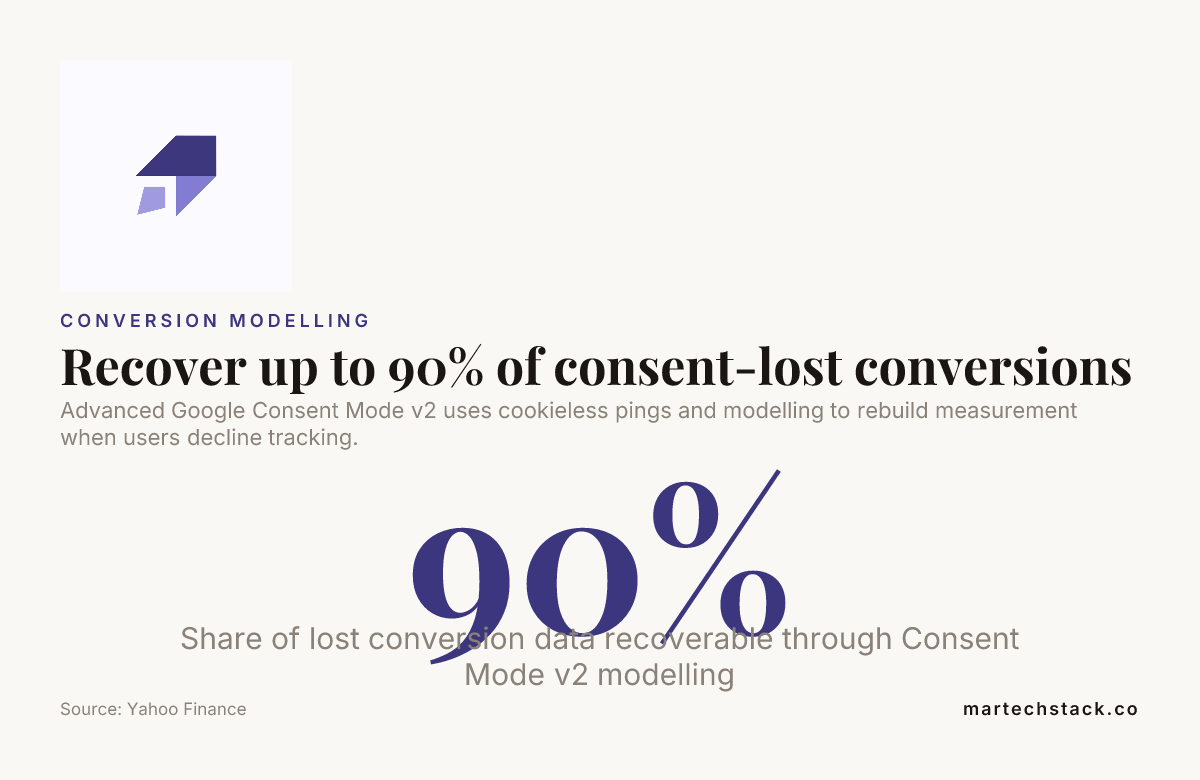
Advanced Google Consent Mode v2 uses cookieless pings and modelling to rebuild measurement when users decline tracking.
How to Validate Google Consent Mode Is Working
Don’t take your CMP vendor’s word for it, and don’t take our word for it either. Check it yourself with this list.
- Open GTM Preview mode and confirm the
consentdefault command fires before any other tag in the container. - Use Tag Assistant to click “reject all” on your own banner and verify Google Ads and GA4 tags either don’t fire or fire in their limited, cookieless state.
- Check the network tab for requests to
/g/collectand confirm thegcsparameter reflects your actual consent choice (denied should show a different value than granted). - Enable GA4 DebugView and confirm modelled conversions appear as a distinct category in reporting rather than being silently dropped.
- Check Google Ads’ diagnostics tab under Tools > Conversions for any Consent Mode warnings or missing signal alerts.
- Test with GPC enabled in a browser (Firefox and Brave both support this) and confirm your site respects it even without an explicit reject click.
- Re-test after every CMP or GTM container update. These configurations break silently far more often than they break loudly.
If you can’t answer “what does my site do when a visitor rejects all cookies” in under two minutes, you don’t have a validated Consent Mode setup. You have a hope.

Why Google Consent Mode Matters for Martech, SEO, and Data Analysis Teams
This isn’t just a compliance checkbox sitting in the legal department. Consent Mode sits directly upstream of every dashboard your martech stack produces, and it touches web analytics, SEO consulting engagements, and data analysis work in ways that are easy to underestimate.
If your GA4 property is missing modelled conversions, your attribution reports are wrong, your data analysis is built on an incomplete dataset, and any AI or LLM-powered tool you’re feeding that data into inherits the same gaps.
We’re seeing more teams lean on AI-assisted search optimisation and reporting to make sense of growing data volume. None of that works if the underlying consent signals are misconfigured at the source, because you’d just be automating bad data faster.
This is why we treat Consent Mode audits as part of the same conversation as our broader SEO consulting and web analytics work, not a separate technical footnote. It’s one landscape, and getting it right is one of the most tangible wins you can hand a client or a boss this year.
Conclusion
Google Consent Mode isn’t optional anymore, and treating it as a one-time setup task is how you end up in the 48% of sites getting it wrong. The teams that get this right treat it as an ongoing part of their martech stack, not a checkbox they ticked once during a GTM migration.
We’re passionate about this kind of work because it’s exactly where data-driven decisions and real compliance meet. Get your Consent Mode configuration validated, keep it that way, and you’ll navigate the next round of privacy changes with your conversion data intact instead of guessing at what you lost.
Frequently Asked Questions
Is Google Consent Mode v2 mandatory in 2026?
Yes, if you serve traffic in the EEA, UK, or Switzerland and use Google Ads or Analytics, Google Consent Mode v2 is required to keep those tags functioning correctly for that traffic. Sites without it risk having their Google Ads and Analytics data restricted or blocked entirely.
What happens if I don’t implement Google Consent Mode?
Without Google Consent Mode, Google may restrict features like remarketing lists, conversion tracking, and audience signals for users in regulated regions. You’ll also lose access to conversion modelling, meaning any consent-denied traffic simply disappears from your reports.
Does advanced Consent Mode actually recover lost conversions?
Advanced Consent Mode enables Google’s conversion modelling, which estimates conversions from users who denied consent based on patterns from consenting users. The exact recovery rate varies by traffic volume and account size, but it consistently outperforms basic mode, which recovers nothing at all.
What’s the difference between ad_user_data and ad_personalization?
ad_user_data controls whether user data can be sent to Google for advertising measurement purposes at all, while ad_personalization specifically controls whether that data can be used to build remarketing audiences and personalized ads. You can have one granted without the other.
Can I set up Google Consent Mode without a CMP?
Technically yes, through manual GTM configuration, but it’s not practical for most sites since you’d need to build your own consent banner logic and legal compliance checks from scratch. Most teams pair Google Tag Manager with a dedicated CMP because it handles the legal and UX side while GTM handles the technical signalling.
How do I know if my Consent Mode is misconfigured?
Run the validation checklist above, specifically checking the gcs parameter in network requests and confirming GA4 DebugView shows modelled conversions. If your conversion numbers dropped sharply after a CMP rollout with no explanation, that’s usually the first sign of a misconfigured Google Consent Mode setup.
Is Google Consent Mode worth the implementation effort in 2026?
Given that 90% of websites fail at least one privacy compliance test and nearly half misconfigure their setup, getting Google Consent Mode right is one of the highest-leverage technical fixes available to any martech or analytics team this year. The alternative is flying blind on conversion data while still paying full price for ad spend you can’t fully measure.

Founder of MarTech Stack. SEO, analytics and marketing automation.
LinkedIn