

If you’ve ever pushed structured data live and watched your rich results vanish a week later, you’re not alone. A schema markup validator is the tool that catches the mistake before it costs you visibility, and honestly, 89.4% of all structured data on the web today is written in JSON-LD, which means validating that exact syntax is no longer optional for anyone publishing schema.
This guide walks through what a schema markup validator actually checks, how the Schema.org Validator differs from Google’s Rich Results Test, and the specific errors that quietly kill rich results across a site.

Key Takeaways
- A schema markup validator checks syntax and structure, not intent. It confirms your JSON-LD is well-formed and matches Schema.org vocabulary rules.
- Google’s Rich Results Test and the Schema.org validator serve different purposes. One checks eligibility for rich results, the other checks pure spec compliance.
- The five most common structured data errors are missing required properties, invalid types, mismatched content versus page, orphaned nested entities, and JSON-LD syntax errors.
- Validating structured data at scale requires crawler-based tools, not one URL at a time in a browser tab.
- Google Search Console structured data reports show what’s actually indexed and eligible, which can differ from what a validator reports.
- Only 31 schema types still carry active rich result support as of March 2026, so validation effort should concentrate there first, a point we go deeper on in our breakdown of the schema types that actually move the needle in 2026.
- Fixing errors is tied to real business outcomes. Rich-result pages routinely see much higher click-through rates than plain listings.
What a Schema Markup Validator Actually Does
A schema markup validator reads the structured data on a page and checks it against two things: the JSON-LD (or Microdata) syntax rules, and the Schema.org vocabulary itself.
It’s not checking whether your content is good. It’s checking whether the code is honest, complete, and machine-readable.
When we run a validate structured data pass for a client, we’re looking for three categories of problems every time:
- Syntax errors – broken JSON, missing commas, unclosed brackets
- Schema errors – wrong types, missing required properties, properties that don’t belong on that type
- Content mismatches – schema claiming something the visible page doesn’t actually say
Get any of these wrong, and the page either gets ignored for rich results, or worse, gets flagged as manipulative structured data. Neither outcome is one you want.
Schema.org Validator vs Google’s Rich Results Test: What’s the Difference
This is the question we get asked constantly, and it’s a fair one because the two tools look similar but answer different questions.
The Schema.org Validator is the neutral, vocabulary-level structured data testing tool. It checks your JSON-LD against the official Schema.org specification, regardless of whether any platform will actually do anything with it.
Google’s Rich Results Test, on the other hand, only checks the subset of schema types Google currently supports for rich results. It will tell you if your markup is technically valid but still won’t earn a rich result, because Google simply doesn’t support that combination.
| Tool | Checks Against | Best Used For |
|---|---|---|
| Schema.org validator | Full Schema.org vocabulary | Confirming spec compliance, any schema type |
| Rich results test | Google’s supported rich result types only | Confirming eligibility for search features |
Our practical advice: run both. The schema.org validator tells you the code is clean. The rich results test tells you whether it actually matters for what you’re chasing.

How to Run a Validation Step by Step
Here’s the process we walk clients through, every single time:
- Pull the live source code of the page, not a cached or staging version.
- Paste the URL or raw code into the Schema.org validator first, to catch pure syntax and vocabulary issues.
- Run the same URL through the Rich Results Test to see live eligibility and any warnings Google flags separately.
- Compare both outputs. A page can pass one and fail the other, and that gap is where the real diagnostic work happens.
- Fix, re-crawl, re-test until both tools agree the markup is clean.
Skipping step four is the most common mistake we see. Teams run one tool, get a green checkmark, and assume they’re done.
The Structured Data Errors That Actually Kill Rich Results
We’ve audited enough sites to know the same five structured data errors show up over and over. Here’s each one, and how to fix it.
1. Missing Required Properties
Every schema type has properties Google (or the spec) treats as mandatory. Product schema without a price. Review schema without a rating value.
The fix: check the required property list for the specific type you’re using before you build the JSON-LD, not after.
2. Invalid Types
This happens when you assign a value that doesn’t match the expected data type, like putting a string where a number is expected, or nesting the wrong entity type inside a property.
The fix: confirm the expected type for every property in the official documentation, and match it exactly, including number formatting and date formats (ISO 8601, always).
3. Mismatched Content vs Page
Your schema says the product is $49. The page says $59. This mismatch is one of the fastest ways to lose trust with the rich results test and get a manual flag.
The fix: generate schema dynamically from the same data source that populates the visible page. Never hand-write duplicate values in two places.
4. Orphaned Nested Entities
Nested entities (an author inside an Article, an aggregateRating inside a Product) need to reference real, connected data. When a nested entity points to nothing, or duplicates without an @id, validators flag it as orphaned.
The fix: use consistent @id values across your JSON-LD graph so entities properly connect instead of floating disconnected.
5. JSON-LD Syntax Errors
The most basic, and still the most common. A missing comma, a stray quotation mark, an unclosed curly brace, and the entire block fails to parse.
The fix: run every JSON-LD block through a JSON linter before it ever reaches production. This alone would eliminate a huge share of the JSON-LD validation failures we find in audits.
We built a full technical audit checklist covering exactly this kind of data precision work, because structured data errors rarely show up alone. They cluster wherever content teams and dev teams aren’t syncing.
Why Structured Data Warnings Matter as Much as Errors
Errors get all the attention because they block rich results outright. Warnings are quieter, but they still cap what you’re eligible for.
A warning usually means a recommended (not required) property is missing. Google will still consider the page for rich results, but a competitor with the fuller markup gets the richer, more visually prominent result.
Fixing warnings is where the real competitive gap gets made up. Everyone fixes the hard blockers eventually. Fewer teams bother chasing the optional properties that make a result stand out.
With 40% of practitioners still building schema markup by hand rather than through automated tooling, warnings tied to incomplete property sets remain one of the most preventable, and most ignored, gaps we see in audits.

How to Validate Structured Data at Scale Across a Site
Testing one URL at a time works fine for a landing page launch. It falls apart completely once you’re managing thousands of product or article pages.
Here’s how we approach validation at scale:
- Crawl-based structured data testing tool sweeps. Tools like Screaming Frog can extract and validate JSON-LD across an entire crawl in one pass.
- Template-level checks, not page-level. If ten thousand product pages share one template, fix the template and the error disappears everywhere at once.
- Sample-based spot checks. Pull a random sample from each page type after any template change and re-validate manually.
- Automated regression testing. Add structured data validation to your deployment pipeline so broken JSON-LD never reaches production in the first place.
This is exactly the kind of technical precision work we bring into our data-driven SEO consulting engagements. We’re not interested in one clean sample page while the other nine thousand quietly fail.
Monitoring Rich Results in Google Search Console Structured Data Reports
Validation tools tell you what should happen. Google Search Console structured data reports tell you what’s actually happening in the index.
These two things drift apart more often than people expect.
Inside Search Console, look specifically at:
- The Enhancements section, which breaks down valid, warning, and error counts by schema type
- Trend lines over time, since a sudden drop usually means a template change or a Google policy update, not a random glitch
- Individual URL inspection, which shows the exact structured data Google parsed for that page, side by side with any errors
Expect a lag. After a fix goes live, it typically takes one to four weeks before Google Search Console structured data reports reflect the change and rich results actually appear in live search.
That lag catches teams off guard constantly. Don’t panic and start “fixing” something that’s already fixed and just waiting on Google’s re-crawl schedule.
We fold this monitoring directly into our digital web analytics service, so structured data health sits next to your other core performance metrics, not off in a separate spreadsheet nobody checks.
What Fixing Errors Actually Earns You
None of this validation work matters in the abstract. It matters because of what happens on the other side of it.
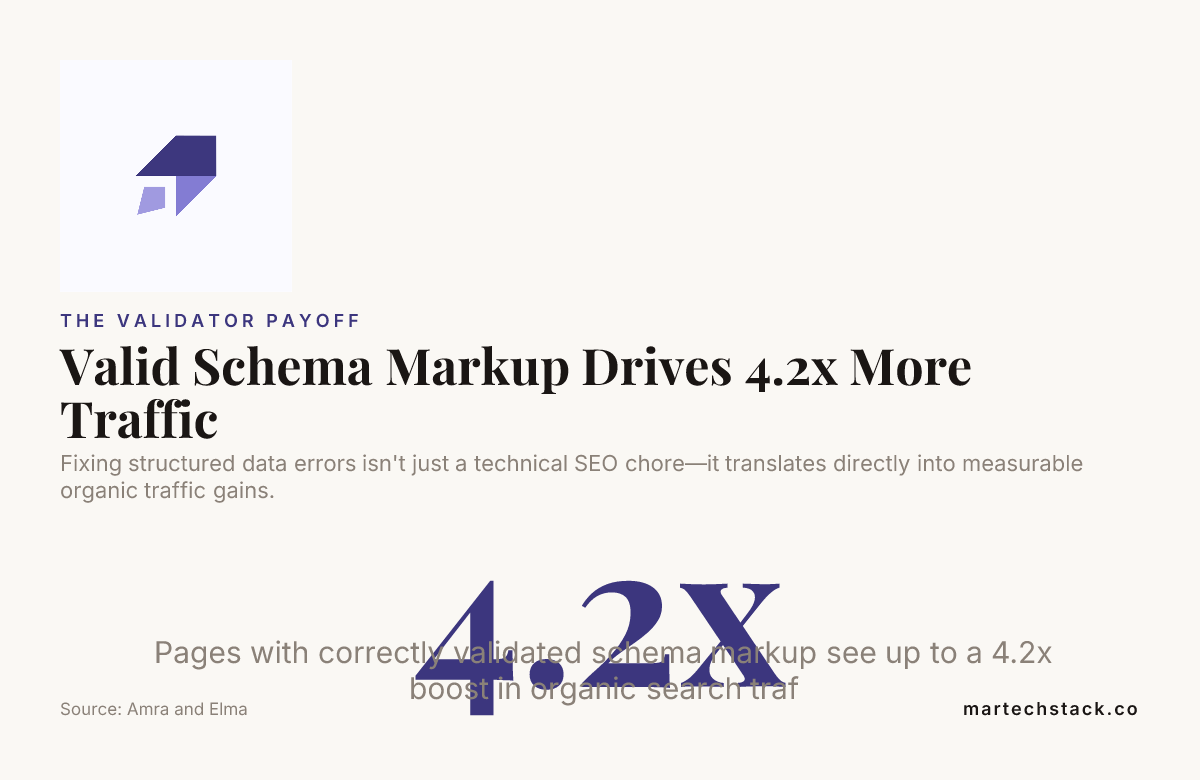
Fixing structured data errors translates directly into measurable traffic gains.
Schema-rich listings see click-through rate lifts of 58.3% on average over bare results. In one widely cited case, a major brand saw an 82% jump in click-through rate simply by getting pages into eligible, error-free rich result status.
That’s the actual return on the hours spent running a page through a schema markup validator and cleaning up what it flags.

Building This Into Your Ongoing Process
Validation isn’t a one-time launch task. It’s a recurring habit, tied to every content publish, every template change, every platform migration.
Our approach follows a simple roadmap with every client:
- Audit. Full-site structured data testing tool sweep to establish the baseline.
- Fix. Prioritize errors first, warnings second, always at the template level where possible.
- Monitor. Ongoing Google Search Console structured data tracking, tied into regular reporting.
We’re not handing you a report and walking away. We stay in the data with you long after the initial audit closes.
If your team is managing schema across dozens of templates and content types, our SEO consulting team and data analysis specialists work side by side on exactly this kind of ongoing structured data hygiene, and our full services overview shows how it fits into the bigger picture.
Conclusion
A schema markup validator is not a nice-to-have, it’s the checkpoint standing between your structured data and the rich results you’re trying to earn. Run your pages through the Schema.org validator for spec compliance, run them through Google’s Rich Results Test for eligibility, and treat Google Search Console structured data reports as your ongoing source of truth.
Fix the five recurring structured data errors we outlined here, monitor consistently, and validate at scale instead of one page at a time. Do that consistently, and the click-through rate gains follow naturally.
Frequently Asked Questions
What is a schema markup validator used for?
A schema markup validator checks whether the structured data on a page follows correct JSON-LD syntax and matches Schema.org’s vocabulary rules. It flags missing properties, invalid types, and broken code before those issues block rich results.
Is Google’s Rich Results Test the same as a schema.org validator?
No. The rich results test only checks schema types Google currently supports for visual search features, while the schema.org validator checks full spec compliance regardless of what Google supports. Running both gives you the complete picture.
Why did my structured data pass validation but still not show rich results?
Passing a validator confirms your code is technically correct, but rich results depend on additional factors like content quality, page eligibility, and Google’s current feature rollout. There’s also typically a one to four week lag between a fix and its appearance in live search.
What are the most common structured data errors that block rich results?
The five most frequent issues are missing required properties, invalid data types, content that doesn’t match what’s on the visible page, orphaned nested entities, and basic JSON-LD syntax errors. All five are fixable once identified through proper validation.
How often should I validate structured data on my site?
Validate any time you publish new content, change a template, or migrate platforms, not just once at launch. Sites managing thousands of pages should build automated structured data testing into their deployment pipeline.
Can I validate structured data across an entire site at once?
Yes, crawler-based tools can extract and validate JSON-LD across thousands of URLs in a single pass, which is far more practical than checking pages individually. Fixing errors at the template level then resolves the issue across every page using that template.
How do I know if Google actually recognizes my fixed schema?
Check the Enhancements section inside Google Search Console structured data reports, which shows valid, warning, and error counts by type over time. Use the URL inspection tool to see the exact structured data Google parsed for any individual page.

Founder of MarTech Stack. SEO, analytics and marketing automation.
LinkedIn