

React SEO depends on more than whether a page can run JavaScript. We’ll help you trace how Googlebot finds, renders and evaluates your routes, then choose a rendering approach that gives people and crawlers a useful, consistent page.
Key Takeaways
- React is not inherently bad for SEO. The key is whether important routes, content, links and metadata are available and consistent.
- CSR, SSR and SSG suit different pages. Choose based on how fresh the content must be, how it is used and what your infrastructure can support.
- Hydration adds behaviour to server-rendered HTML. It should preserve the initial content, not replace it with a different or incomplete version.
- Make every important route discoverable. Use crawlable URLs, ordinary links, semantic HTML and a clean sitemap.
- Check the response and rendered page separately. View-source and the live DOM reveal different stages of page delivery.
- Measure real routes and devices. Rendering that works in principle can still create a slow or difficult experience.
How search engines process a React page
Is React still bad for SEO? No. React can support discoverable, indexable pages, but a successful fetch does not guarantee that a page will be rendered, indexed or shown prominently.
Those stages have different jobs. Crawling fetches a URL, rendering runs code and builds the page, indexing assesses whether its content belongs in the search index, and ranking orders eligible results for a query.
Googlebot can process a page in two waves. It first reads the fetched HTML, then may return to render JavaScript and process the resulting content; that rendering can be delayed, and it is not guaranteed to succeed for every page.
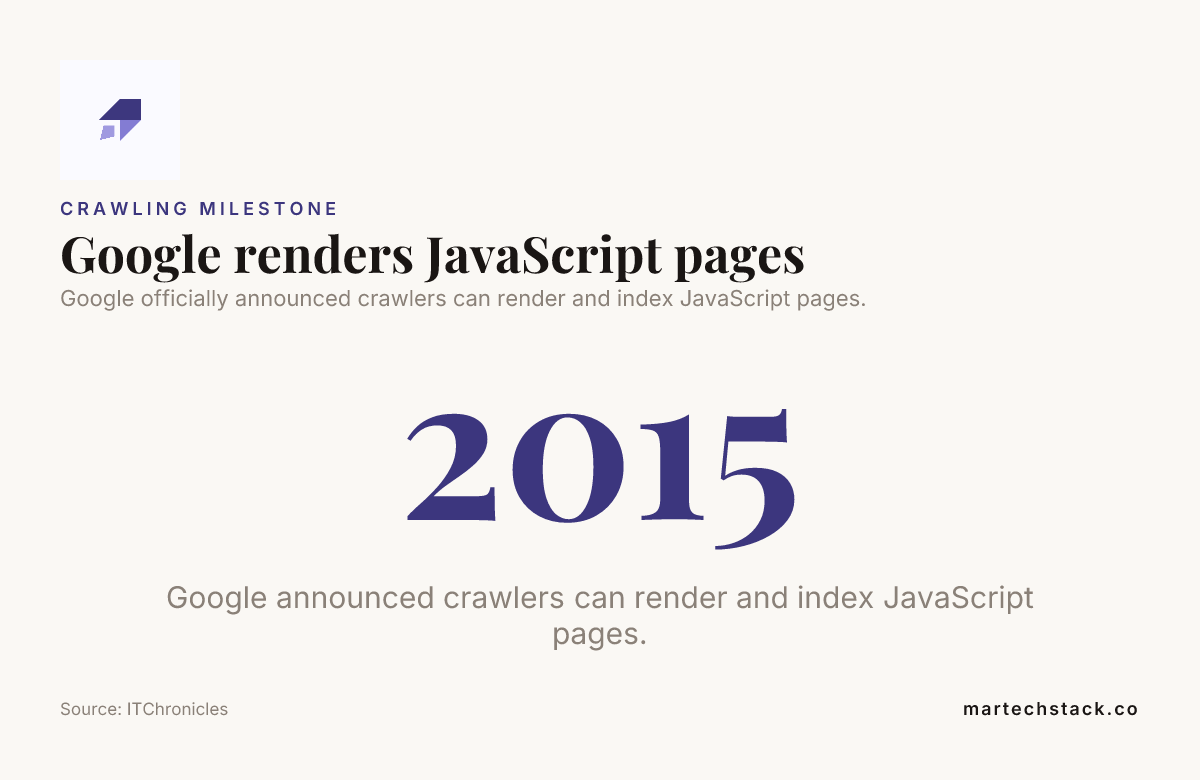
In 2015, Google officially announced that its crawlers can render and index JavaScript pages, as reported by ITChronicles. That announcement does not mean every client-rendered page will be rendered reliably.
A single-page application also needs routes that can be fetched directly. A client-side navigation event alone may not expose the destination page to a crawler, so use stable URLs and ordinary links that point to them.
In practice, JavaScript SEO starts with a simple question: if someone opens an important route directly, does it return a useful page, or only an empty shell waiting for an app event?
Choose CSR, SSR or static generation for the page
Which is better for SEO, Next.js or React? React is a library, while Next.js is a React framework with routing and server-rendering options; Remix is another framework with its own routing and data-handling approach. Neither framework fixes discoverability automatically. Choose according to your content, hosting and application requirements.
| Approach | What arrives first | A good fit | Plan for |
|---|---|---|---|
| Client-side rendering (CSR) | A basic HTML shell; JavaScript builds much of the page in the browser. | Highly interactive or user-specific areas where public search visibility is not central. | Extra browser work, JavaScript dependencies and direct access to every route. |
| Server-side rendering (SSR) | HTML containing the page’s main content, generated for a request. | Public pages that need current content in their initial response. | Server runtime, caching strategy and the cost of rendering requests. |
| Static site generation (SSG) | HTML created ahead of time during a build. | Stable pages that can be prepared before a visitor arrives. | Build frequency, content updates and a supported regeneration approach when pages change often. |
| Hydration | It is a process, not a separate rendering strategy: JavaScript attaches interactive behaviour to existing HTML. | Pages that need both an immediately useful document and client-side interactions. | Keeping the initial server output aligned with the client render. |
Use CSR where interaction or personalisation matters more than public discoverability. For important landing pages, do not make the primary content depend entirely on JavaScript running after load.
Choose SSR when content should be current on each request and present in the response HTML. Choose SSG when pages are stable enough to build in advance and you can manage updates through rebuilds or a framework-supported regeneration strategy.
Dynamic rendering can serve as a targeted or temporary workaround when server rendering or pre-rendering is impractical. Keep the content equivalent for users and crawlers; serving materially different pages creates a misleading experience and is not a sound substitute for a rendering strategy.
For a B2B team weighing rendering, content structure and implementation together, our SEO consulting service covers technical foundations, content and site structure.

Render distinct metadata for every route
Each indexable route needs its own descriptive title and meta description. Put them in the initial HTML where possible, rather than relying only on a metadata library that updates the page after client-side JavaScript runs.
React Helmet can manage document metadata in React applications, but the library alone does not ensure that metadata appears in the fetched response. Route-based metadata needs to be connected to server rendering or static generation if it must be present in the initial HTML.
Set one canonical URL for each page. Decide whether a parameterised or filtered URL represents distinct content that should be indexed, or whether it should canonicalise to a clean parent URL.
Keep titles, descriptions and canonical tags aligned between the server-rendered HTML and hydrated DOM. If those versions conflict, crawlers and sharing systems may receive mixed signals. Open Graph tags and other social metadata help shape previews, but they serve a different purpose from a page’s core metadata.
For a broader check of rendering and data consistency, use the technical SEO and data integrity audit checklist as a companion to your route-level review.
Make routes, links and page meaning easy to discover
Use real anchor elements for important internal links. An <a href="/services/"> gives the destination a URL that can be followed without relying on a click handler or app-only navigation.
Structure pages with semantic HTML: use headings to organise the content, <main> for the primary page area and <nav> for navigation. Add structured data only when it accurately describes content people can see on the page; our B2B guide to schema markup explains how to approach it.
Maintain an XML sitemap containing canonical, indexable URLs, and use robots.txt to manage crawling. Robots.txt is not a removal tool: blocking a URL does not, by itself, guarantee that the URL will stay out of the index.
When a route moves, return an appropriate redirect to its replacement. When a route does not exist, return a genuine not-found response rather than an error message on a successful page response.
Clear site structure helps crawlers reach important routes and helps people understand how your pages relate. For practical guidance on connecting related pages, see our article on internal linking for B2B websites.

Keep API content and hydration consistent
If API content is central to a public page, include it in server-rendered or statically generated HTML where practical. A page shell that fills only after a browser request makes its core content dependent on a later render.
Handle API failures with useful page content and appropriate status behaviour. A silent empty template leaves visitors without context and makes it harder to tell a genuine missing page from a temporary service failure.
Hydration works best when the server and client start with the same data and markup. When they disagree, React can report a hydration error, replace server HTML or create a confusing change in what the visitor sees.
Keep essential text and links available through normal page rendering. Content that appears only after a user interaction or a scrolling trigger may be harder for both visitors and crawlers to reach consistently.
Pages with live data need particular care: show meaningful content when data is delayed, and make sure the initial page communicates what the route is about. Our article on real-time data SEO lessons from World Cup brackets explores this challenge through changing bracket information.
Treat loading performance as part of React SEO
Measure Core Web Vitals on real routes and devices. Oversized JavaScript bundles and unnecessary client-side work can delay rendering and interaction, even when the page technically loads.
Prioritise the main content rather than loading large, non-critical scripts first. Split code by route when doing so reduces the JavaScript work required for an initial visit.
Lazy-load below-the-fold images and non-essential components where appropriate. Keep important text and links available without requiring a visitor to scroll, interact or wait for an unrelated component.
Test mobile pages as well as desktop pages. A route that renders successfully can still be difficult to use when scripts and images load slowly or the layout shifts as content appears.
Performance and crawl efficiency can intersect on complex sites, but crawl budget is not the right priority for every business. Our guide to crawl budget and when it matters explains when URL scale and crawling patterns deserve closer attention.
Validate the response, rendered page and indexation
How can you check whether a search engine can see a React page’s content? Compare the fetched response with the rendered page, then inspect the URL using Google Search Console. Missing content in the response is a clue to investigate, not proof that Googlebot cannot render it.
View-source shows the HTML returned by the server. The live DOM shows the page after browser-side JavaScript has run, so the two views can differ substantially on a client-rendered route.
Use URL Inspection to review the tested URL, its rendered screenshot or HTML, and indexing information. Confirm that the main text, important links and metadata appear as intended.
- Test representative routes. Include API-driven pages, parameterised URLs, redirects and not-found pages.
- Check resources. Make sure scripts and other resources needed for rendering are not blocked from crawling.
- Review the rendered output. Look for the main content, route links and page-level metadata.
- Check indexing signals. If rendering succeeds, investigate route discovery, canonicalisation, robots directives and indexing status before blaming React.
- Repeat after changes. Recheck content parity after deployments and API updates, especially when using dynamic rendering as a controlled workaround.
A repeatable review makes it easier to distinguish a rendering issue from a routing or indexing issue. Bring marketing and engineering into the same roadmap, then validate what changed in the response and the rendered page.

Frequently Asked Questions
Can server-side rendering improve rankings by itself?
No. SSR changes how a page is delivered, not whether its content satisfies a searcher’s need or deserves to appear for a query. Assess it as a technical improvement, then measure how the page performs after it has been recrawled.
Does changing a React app from CSR to SSR require changing its URLs?
No, you can change the rendering method while keeping the same public URLs. Plan the migration around the existing route map so links, analytics and saved bookmarks continue to point to the intended pages.
How should a React app handle a URL that returns an API error?
Show a clear, human-readable explanation and offer a suitable next step, such as retrying or returning to a relevant section. Distinguish temporary service failures from invalid or missing resources in the response behaviour.
Can social platforms read metadata that is added only after React runs?
Social platforms do not all process JavaScript in the same way, so client-added metadata can produce inconsistent link previews. If accurate previews matter across platforms, include the relevant sharing tags in the initial HTML and account for cached previews when testing updates.
Conclusion
React SEO works best when each route has a clear URL, useful content, consistent metadata and an appropriate rendering approach. Use CSR where it fits, SSR for current public pages, and static generation for content that can be prepared ahead of time.
Then check the response, rendered page, route discovery and user experience as one practical workflow. With a shared roadmap and careful validation, your team can fix what client-side rendering leaves out and build a stronger foundation for lasting growth.

Founder of MarTech Stack. SEO, analytics and marketing automation.
LinkedIn