

Keyword cannibalization happens when two or more pages on the same domain compete for the same query, and the data on this is more common than most teams assume. Ahrefs found that the top-ranking page only captures the majority of a keyword’s traffic 49% of the time, meaning half the time, a second (or third) page on the same domain is quietly splitting the reward.
That’s not a rounding error. That’s a structural problem sitting inside your content library right now, and it’s the reason we’re writing this.

Key Takeaways
- Keyword cannibalization is when multiple pages on one domain compete for the same query and split ranking signals between them, not simply when two pages mention the same topic.
- Overlap alone isn’t cannibalization. Two pages can share a keyword and still serve completely different intents without hurting each other.
- Google Search Console’s query-to-page report is your primary diagnostic tool. Look for the same query returning multiple URLs with similar impressions.
- Rank-tracking tools that show a URL flip-flopping week to week for the same term are a strong signal something needs fixing.
- There are five real fixes: consolidate and 301 redirect, canonicalize, de-optimize the weaker page, differentiate intent, or leave it alone. Picking the wrong one wastes months.
- Keyword cannibalization is a different animal from duplicate content and canonical tag issues. Confusing the three leads to the wrong fix.
- A keyword-to-URL map, checked before every piece of content goes live, prevents most cannibalization before it starts. Our SEO consulting work usually starts by building exactly this map.
What Keyword Cannibalization Actually Is (and What It Isn’t)
Keyword cannibalization is a specific, mechanical problem. It happens when two or more pages on your own domain are optimized for the same primary query, and instead of one page building authority for that term, the signal gets divided between them.
The result: neither page ranks as well as one consolidated page would. Sometimes both sit on page two. Sometimes one ranks fine but keeps swapping places with a page nobody meant to optimize for that term.
Here’s what trips people up. Overlap is not the same thing as cannibalization.
Ahrefs also found that the average top-ranking page ranks in the top 10 for close to 1,000 other relevant keywords. Two pages can absolutely share a single keyword out of hundreds without being in real competition, because their broader keyword footprints don’t collide.
So before you touch anything, ask one question: are these pages actually fighting for the same searcher’s intent, or do they just happen to mention the same phrase?
The Overlap Myth: Why Sharing a Keyword Isn’t Automatically Keyword Cannibalization
We see teams merge or delete perfectly good pages because two URLs both mention “email marketing automation.” That’s usually a mistake.
Genuine keyword cannibalization requires three things happening together:
- Both pages target the same primary query, not just related terms
- Both pages are built for the same search intent (informational vs. transactional vs. navigational)
- Search Console or rank tracking shows both URLs actually competing for visibility on that term
If a comparison page and a pricing page both mention “CRM software,” but one is written for someone researching options and the other for someone ready to buy, that’s not cannibalization. That’s healthy topical coverage.
Cannibalization is when a blog post and a product page are both trying to rank for “best CRM software” with the same buyer in mind, and neither one wins outright.

Keyword Cannibalization vs. Duplicate Content vs. Canonical Tag Issues
These three get lumped together constantly, and it costs teams real time. They’re separate problems with separate fixes.
| Problem | What’s actually wrong | Typical fix |
|---|---|---|
| Keyword cannibalization | Distinct, unique pages competing for the same query | Consolidate, differentiate, or redirect |
| Duplicate content | Same or near-identical text exists on multiple URLs | Rewrite, merge, or canonicalize the copy itself |
| Canonical tag issues | Technical misconfiguration pointing crawlers to the wrong URL | Correct the tag; content itself may be fine |
You can have unique, well-written, non-duplicate pages that still cannibalize each other on a shared query. You can also have a canonical tag error on a page that has zero cannibalization problem at all. Treat them separately or you’ll misdiagnose the fix.
How to Diagnose Keyword Cannibalization Using Search Console Data
Google Search Console’s Performance report is where this starts. Pull the query-to-page data and look for one query returning two or more URLs from your own domain with meaningful impressions.
Practical steps:
- Open the Performance report, filter by query, then add the “Pages” dimension
- Sort by impressions and scan for queries where multiple internal URLs both show up
- Check click-through rate on each competing URL. If both are weak, the split is likely hurting overall visibility
- Cross-check against your content calendar to confirm both pages were genuinely written for that term
A proper web analytics audit catches this pattern faster than manual spreadsheet work, because you can layer in session data and see which URL actually converts once someone lands on it.
Site: Searches and Rank-Tracking Flip-Flops: More Diagnostic Signals
Search Console isn’t your only tool. A quick site:yourdomain.com "exact phrase" search shows you every page Google associates with that phrase, in one view.
If three URLs come back for a term you only meant to target once, that’s worth investigating.
Rank tracking adds the second signal. Watch for a keyword where the ranking URL changes week over week, one week it’s the blog post, the next it’s the landing page.
That flip-flopping is Google itself telling you it can’t decide which page deserves the spot. Left alone, this usually means both pages rank worse than either would on its own.
A Decision Framework: Five Fixes for Keyword Cannibalization
Once you’ve confirmed real cannibalization, don’t default to the same fix every time. Match the fix to the actual situation.
- Consolidate and 301 redirect: Use when both pages target identical intent and one is clearly weaker. Merge the content, redirect the losing URL.
- Canonicalize: Use when you need both URLs to exist (filtered views, tracking parameters) but want one clear signal sent to crawlers.
- De-optimize the weaker page: Use when the weaker page still serves a purpose (internal linking, a different section of your site) but shouldn’t compete for the main term. Strip the target keyword from its title and headers.
- Differentiate intent: Use when both pages have value but were accidentally optimized the same way. Rewrite one toward a different stage of the buyer’s decision.
- Leave it alone: Use when the “overlap” is actually just topical breadth, and both pages contribute real traffic on their broader keyword sets.
A proper data analysis pass on click and conversion behavior for each page usually settles which category you’re in, because gut instinct alone gets this wrong more often than teams expect.

Worked Example: Fixing Cannibalization Between Two Ranking Pages
Say a B2B software company has two live pages: a 2024 blog post titled “Guide to Marketing Automation Platforms” and a 2026 comparison page titled “Best Marketing Automation Platforms for B2B Teams.”
Search Console shows both ranking for “marketing automation platforms,” swapping positions 8 through 14 over three months. Neither cracks the top five.
Step one: check intent. Both pages are informational/comparison, aimed at the same research-stage buyer. That’s real cannibalization, not overlap.
Step two: check performance. The 2026 comparison page has better structure, updated data, and a higher click-through rate. The 2024 post has more backlinks pointing at it, built up over time.
Step three: pick the fix. Consolidate. Fold the useful sections of the older post into the comparison page, then 301 redirect the old URL to preserve its backlink equity.
Within six to eight weeks, that consolidated page typically climbs into the top five, because it now carries one unified signal instead of two competing ones.
Preventing Keyword Cannibalization with a Keyword-to-URL Map
The fix is reactive. Prevention is where the real time gets saved, and it starts with one document.
Build a keyword-to-URL map: a simple spreadsheet listing every primary keyword you’re targeting and the single URL assigned to own it. One keyword, one owner.
Before anything gets published, run it against three checks:
- Search the map for the intended primary keyword. Is it already assigned to another live URL?
- Search Console query report: does this exact term already return impressions on an existing page?
- Site: search for the exact phrase to catch anything the map missed
Teams producing high volumes of content with AI tools are seeing this problem multiply faster than ever in 2026, because AI drafting makes it easy to generate five articles around the same core topic without anyone checking the map first. An AI-assisted SEO workflow needs the same discipline a human writer needs, arguably more, since the output speed makes duplication invisible until Search Console flags it weeks later.
Why Keyword Cannibalization Is Getting Worse in the AI Content Era
Large language models make it fast to spin up content at scale, and that’s changing how cannibalization shows up. A model can draft three variations on “how to reduce churn” in the time it took to write one page manually, and each variation quietly targets the same term.
This isn’t an argument against AI in content production. It’s an argument for pairing that speed with editorial discipline, specifically the keyword-to-URL map, before publishing anything.
We build this check into every SEO and analytics engagement we run, because catching the overlap before publish costs nothing. Catching it six months later costs rankings.

Quick Diagnostic Checklist
- ☐ Pull Search Console query-to-page data for your top 50 terms
- ☐ Flag any query returning 2+ URLs with meaningful impressions
- ☐ Run a site: search for each flagged term’s exact phrase
- ☐ Check rank tracking history for URL flip-flopping over the last 90 days
- ☐ Confirm intent match (not just keyword match) between competing pages
- ☐ Choose a fix: consolidate, canonicalize, de-optimize, differentiate, or leave alone
- ☐ Update your keyword-to-URL map with the resolved outcome
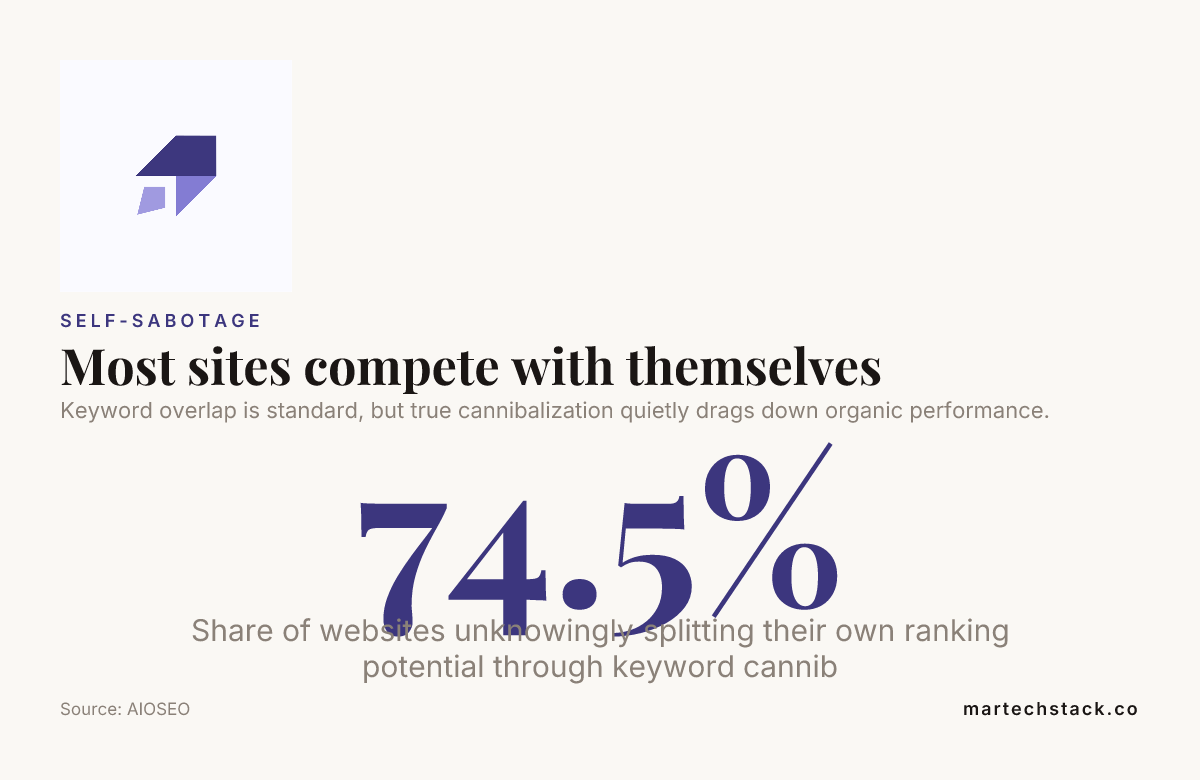
Keyword overlap is standard, but true cannibalization quietly drags down organic performance.
Conclusion
Keyword cannibalization isn’t a rare edge case. It’s a mechanical, predictable outcome of publishing content over years without a shared map of who owns what term.
The good news is it’s diagnosable with tools you already have: Search Console, a site: search, and a rank tracker that shows you the flip-flop pattern. From there, the decision framework does the rest, consolidate, canonicalize, de-optimize, differentiate, or leave it alone.
Just remember to keep it separate from duplicate content and canonical tag problems. They look similar on the surface but need different fixes entirely.
If you’d rather have a second set of eyes build the keyword-to-URL map and run the audit for you, reach out to our team. We’ve built our whole practice around exactly this kind of work, and we’re always glad to talk through what’s happening on your domain.
Frequently Asked Questions
What is keyword cannibalization in simple terms?
Keyword cannibalization is when two or more pages on the same domain compete for the same query, splitting ranking signals between them instead of one page building full authority. It typically shows up as both pages ranking lower than a single consolidated page would.
How do I know if I have keyword cannibalization or just keyword overlap?
Check whether both pages target the same search intent, not just the same phrase. If Search Console shows both URLs competing for impressions on the identical query with the same buyer intent, that’s genuine keyword cannibalization rather than harmless overlap.
Can keyword cannibalization hurt my rankings even if both pages are unique content?
Yes. Keyword cannibalization is about competing signals, not duplicate text. Two completely unique, well-written pages can still cannibalize each other if they’re both trying to own the same query for the same searcher intent.
Is keyword cannibalization the same as duplicate content?
No. Duplicate content means the actual text is repeated or near-identical across URLs, while keyword cannibalization can happen between two completely unique pages. They require different fixes, so diagnosing which one you actually have matters before you act.
What’s the fastest way to check for keyword cannibalization?
Run a site: search for your exact target phrase on your own domain, then cross-check the results against Google Search Console’s query-to-page report. If multiple URLs appear for the same term with real impressions, you likely have keyword cannibalization worth investigating.
Should I always merge pages that show keyword cannibalization?
Not always. Consolidation is one of five fixes, alongside canonicalizing, de-optimizing the weaker page, differentiating intent, or leaving the pages as they are if they serve genuinely different purposes beyond the shared term.
Does using AI to write content increase the risk of keyword cannibalization?
It can, because AI writing tools make it fast to generate multiple articles around the same core topic without a shared keyword-to-URL map. Teams using AI-assisted SEO workflows at scale need that map and a pre-publish check even more than teams writing manually, simply because the output volume is higher.

Founder of MarTech Stack. SEO, analytics and marketing automation.
LinkedIn